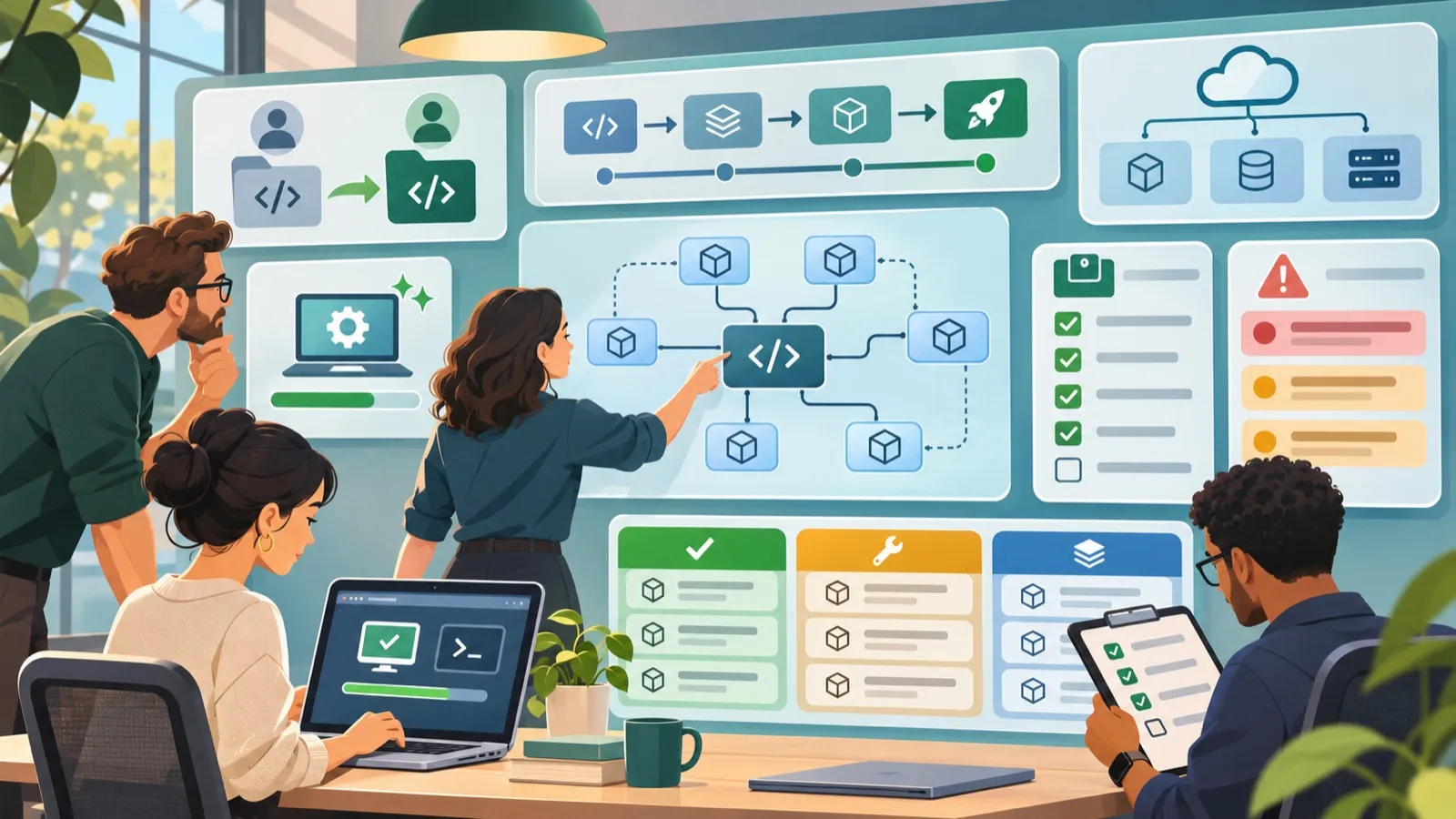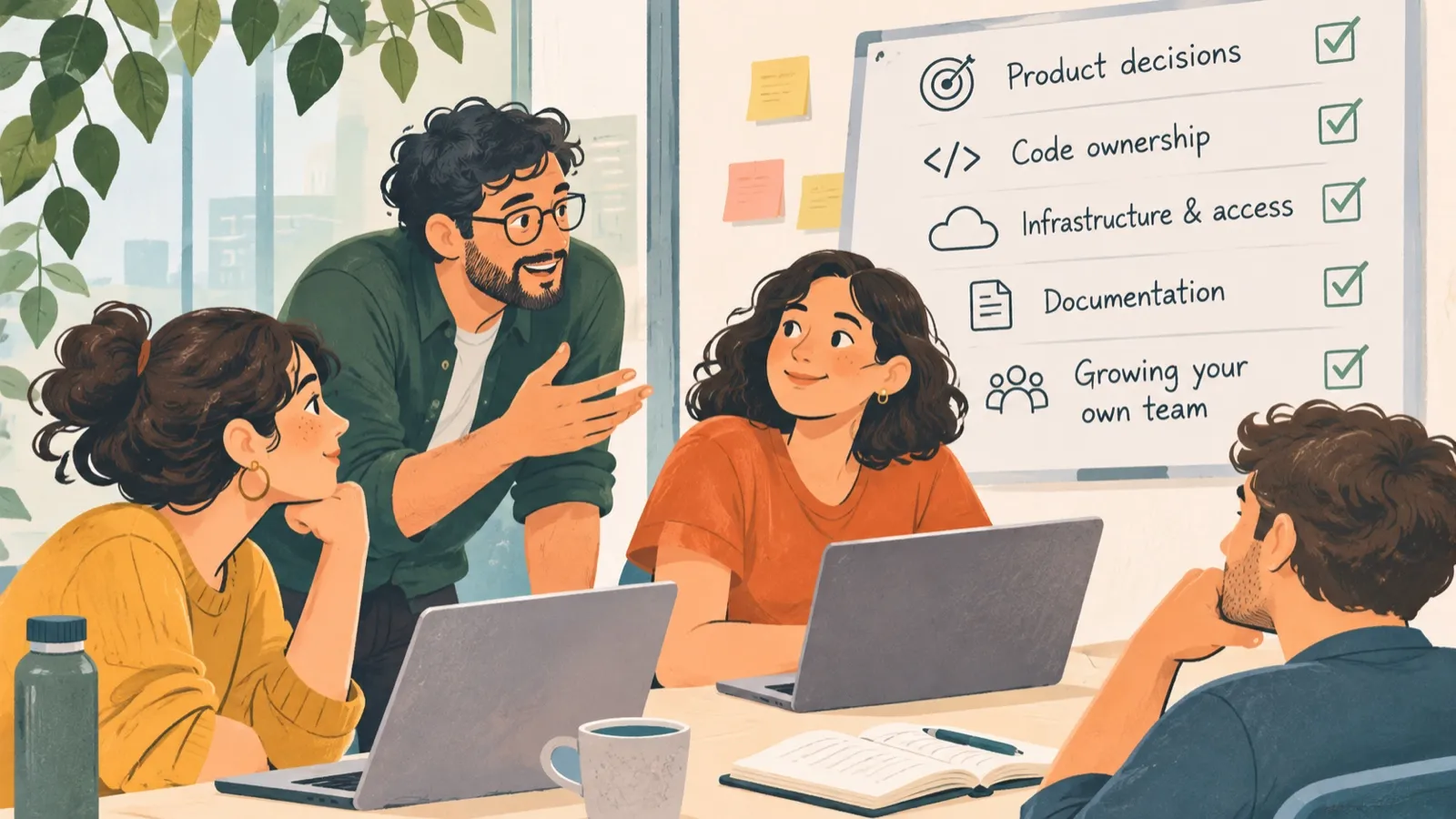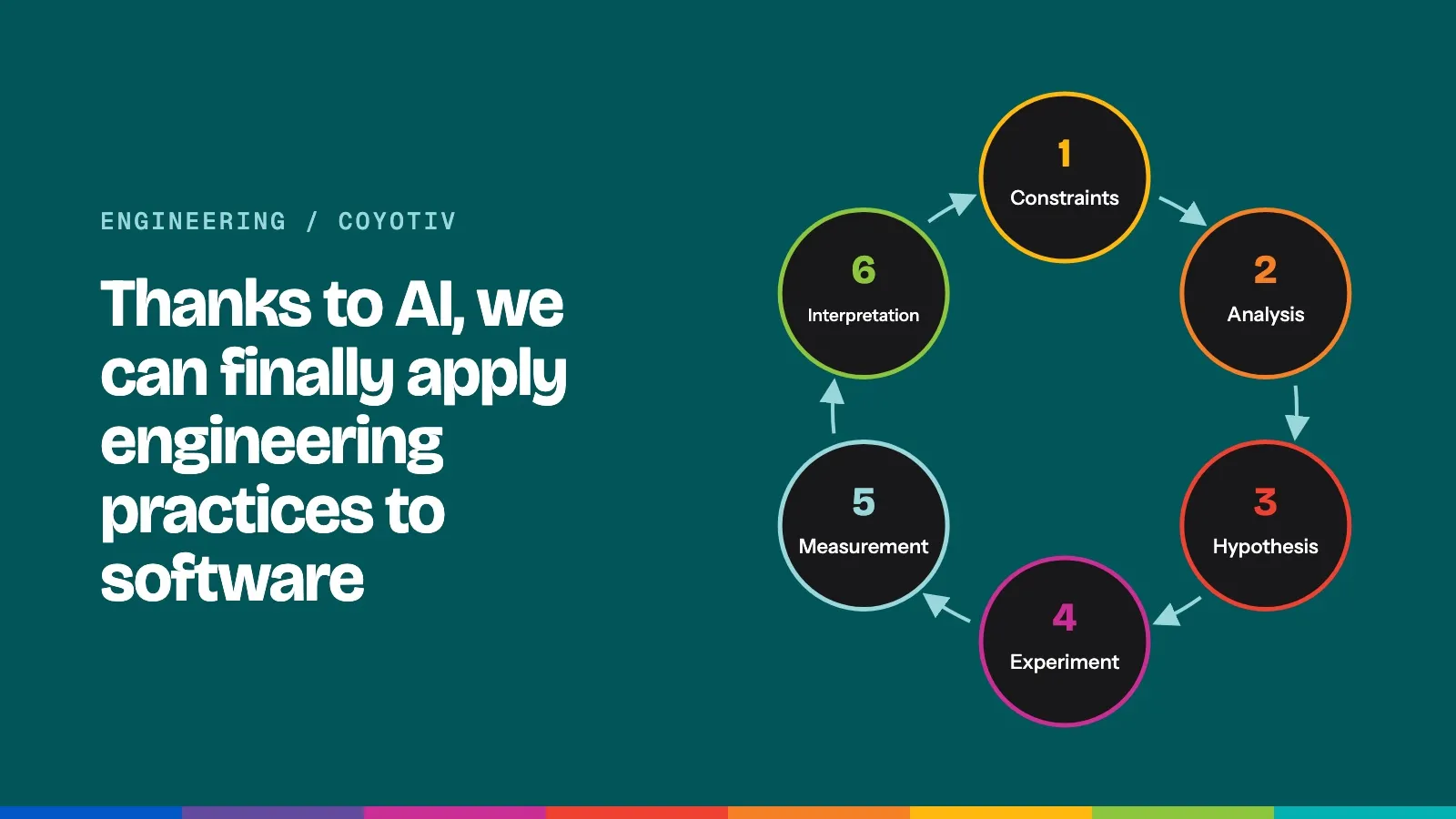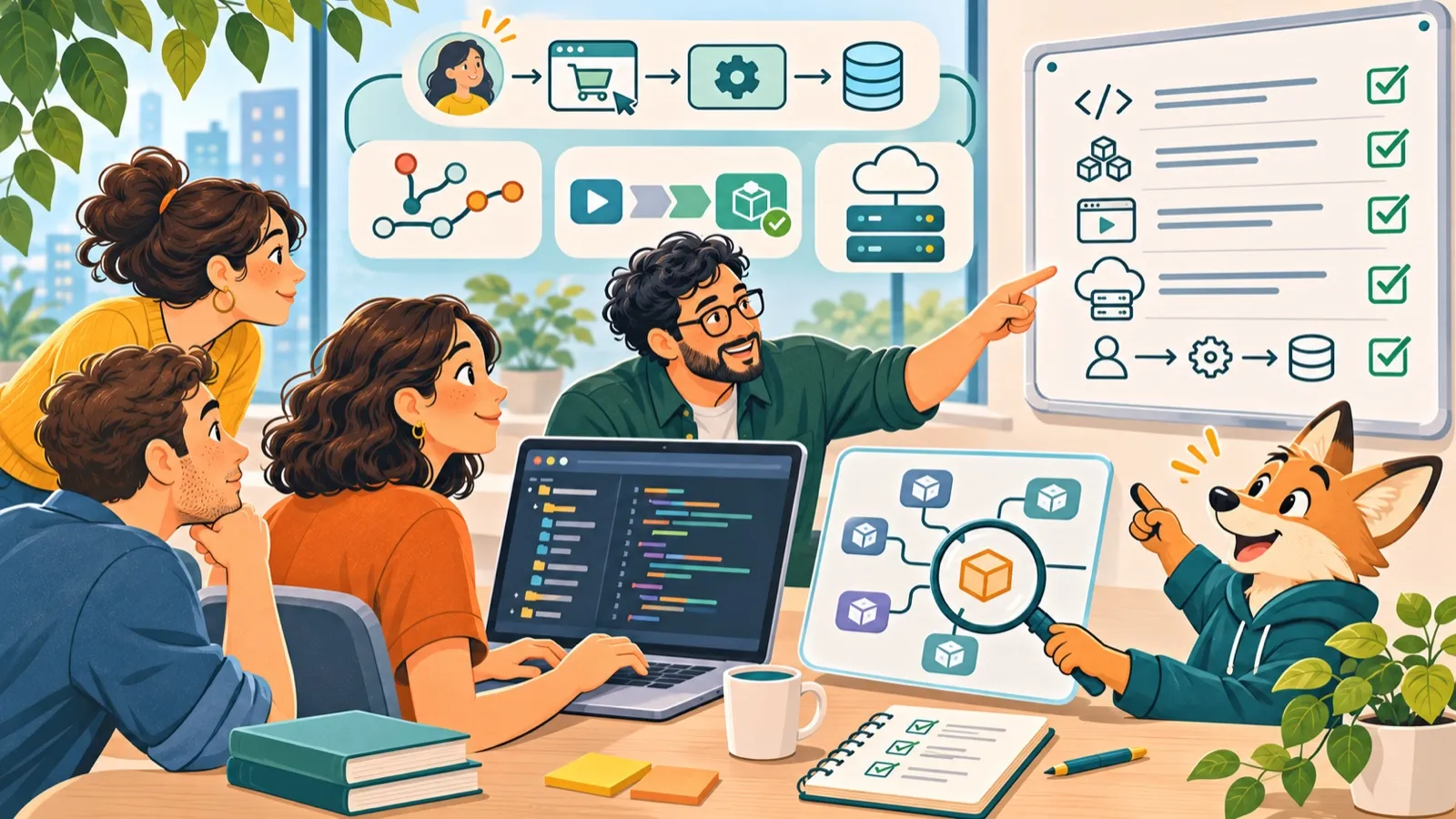
The engineer handing over your application shares their screen. The build passes, the dashboard loads, and the documentation looks reasonably complete. Everyone leaves the meeting feeling that the transition is under control.
A week later, a customer reports a problem. The incoming engineering team prepares a fix, only to discover that the application depends on a private package accessed through credentials stored on the former engineer’s laptop. The code is there, but nobody else can build it.
Nothing in the original walkthrough was necessarily wrong. It simply demonstrated that the outgoing engineer could run the application, not that the incoming team could take responsibility for it.
That’s an important distinction when taking over existing software. Understanding the code is part of the job, but the real test is whether a new team can run the application, release changes, investigate failures, and continue development without depending on knowledge that was never transferred.
Start with a clean setup
A useful first exercise is to have an incoming engineer run the application on a machine that has never been used for the project.
They should follow the available instructions without relying on someone to explain each step. A test account and sample data are enough to begin, but the exercise should go beyond loading the home page.
For a subscription product, for example, the engineer might create a trial account, complete a test payment, and confirm that the application grants access to paid features.
This reveals problems that reading the code alone won’t necessarily uncover. The setup guide might reference an outdated software version. An environment variable might be missing. A dependency might require access to a private package registry that nobody thought to mention.
Record these gaps as they appear. Update the instructions, document how authorized team members obtain credentials, and have another engineer repeat the process.
The goal isn’t perfect documentation. It’s a repeatable setup that doesn’t depend on the person who built the application.
Make sure the new team can release software
Running the application locally is one thing. Making a change available to customers is another.
The incoming team needs to understand how the code moves from development to production. That includes the build process, automated tests, deployment pipeline, hosting environment, and the people authorized to approve a release.
Start by identifying which version is currently running in production and which commit or release produced it. Then make a small, low-risk change and deploy it to staging.
Can the team confirm that the correct version was deployed? Can it find the deployment logs and investigate a failure? Does someone know how to return to the previous version if something goes wrong?
Rollback deserves particular attention. Reverting application code may be straightforward, but database migrations and changes to stored data can make recovery considerably more complicated. The team should understand what can safely be reversed and what requires a different recovery procedure.
A rehearsal may also uncover an organizational problem. Perhaps the engineers understand every deployment step, but the production account belongs to a contractor who is leaving at the end of the week.
That is a handover risk, even if the application itself works perfectly.
Look beyond the repository
An application rarely operates in isolation. Payment providers, authentication services, databases, cloud infrastructure, third-party APIs, scheduled jobs, and private packages can all be essential to keeping it available.
These dependencies deserve as much attention as the source code.
Consider a subscription application that relies on three external components: a payment provider, a private library, and a scheduled process that updates account access. Each introduces different questions.
Who controls the account? Where are its credentials managed? How will the team know if the service stops working? What happens to customers when it does?
The answers help establish which problems need immediate attention.
An outdated library that poses no immediate operational risk might belong on a maintenance plan. A payment account that only the departing agency can access needs a new owner before the transition is complete.
The most urgent issue isn’t always the oldest code. It’s often the dependency that nobody else can operate.
Follow a customer action all the way through the system
Architecture diagrams are useful, but a real customer workflow often reveals more about how an application behaves.
Return to the subscription example. A customer enters their payment details and completes a purchase. The payment provider processes the transaction, notifies the application, and the application updates the customer’s account.
That sounds straightforward until one of those steps fails.
Imagine a support ticket that says: “I’ve been charged, but my account still says trial.”
Can the new team locate the payment? Can it establish whether the provider’s notification arrived? Can it identify why the account wasn’t updated and restore access without accidentally charging the customer again?
Working through that scenario helps engineers understand the relationship between application code, external services, stored data, and customer support.
It also shows where the existing system may need better logging, error handling, or recovery procedures.
A diagram tells the team which components exist. Following a failed customer action shows how those components behave when something goes wrong.
Decide what to keep, fix, and build next
Taking over a codebase often reveals problems that have accumulated over time. Framework versions are outdated, tests are incomplete, certain features are difficult to change, and some architectural decisions no longer suit the product.
It’s tempting to turn these findings into a proposal to rebuild everything.
That isn’t always the right decision.
An older application can still contain stable, well-understood components that serve the business reliably. Replacing them introduces costs and risks of its own.
A more useful assessment separates the work into three categories:
- Keep: code and workflows that work reliably and don’t need immediate intervention.
- Fix: problems that create operational risk, make development unnecessarily difficult, or prevent the product from functioning as intended.
- Build next: features and improvements that the business needs once the most important obstacles have been addressed.
This gives the company a clearer basis for deciding where to invest engineering time.
For example, replacing an unsupported framework may be necessary, but it doesn’t automatically mean redesigning the entire application. Adding tests around a stable component may be more valuable than rewriting it. Fixing an unreliable deployment process may allow the team to deliver customer features sooner.
Modernization works best when it’s tied to actual technical constraints and business priorities, rather than the age of the code.
Transfer responsibility, not just information
The final part of a handover is understanding how the application is maintained when nobody is watching a demonstration.
Ask the outgoing team about the last incident that required manual intervention. What went wrong? How did they notice? Which logs or records helped them diagnose it? Did someone need to contact a colleague before taking action?
Have the incoming engineers work through that incident using the available instructions.
If they need assistance, that isn’t necessarily a failure. It’s useful evidence of where knowledge still needs to be transferred.
The same applies to recurring maintenance tasks. Renewing a certificate, restoring a backup, updating a dependency, or investigating a failed background job may be routine for the previous team and completely unfamiliar to the next.
By the end of the transition, there should be a clear record of what the incoming team can perform independently, what remains unresolved, and who is responsible for closing each gap.
If time with the outgoing engineers is limited, prioritize the tasks that nobody else knows how to perform.
A successful takeover creates room for the next release
Taking responsibility for an existing application is ultimately about what happens after the handover.
The new team needs to keep the product running, but the business also needs to continue developing it. That becomes difficult when every change involves reconstructing an undocumented decision or working around an unfamiliar dependency.
We’ve seen how important that transition can be at Coyotiv.
When we took over TheFreshener’s operations application, the system had grown into a complex piece of software that the business needed for its daily operations. Our work began with reviewing the existing application, identifying what needed fixing, and addressing the gaps that stood in the way of production use.
We brought the application into production and continued developing it as TheFreshener expanded its operations, adding features and integrations for new product types.
The work didn’t end when the existing code was understood. It continued until the application could support the business’s next requirements.
That’s how we approach application takeover and modernization at Coyotiv. We assess what exists, identify what should be kept or changed, and take responsibility for implementing the work. Depending on the application, that can involve stabilization, refactoring, migrations, new features, or continued maintenance.
An effective takeover gives the incoming team the ability to work confidently with the existing system. More importantly, it gives the business a way to move forward without starting over.
If your application has become difficult to maintain, or you’re preparing to transition development to another team, explore Coyotiv’s application takeover and modernization services. We offer a free written codebase review to help identify what to keep, fix, and build next.